
에이
Convert MP4, MOV, or YouTube videos into editable text transcripts with timestamps. Generate subtitles (SRT/VTT) or export as DOCX for accessibility, SEO, and content repurposing. No manual transcription needed.
파일을 처리하는 동안 잠시 기다려 주십시오.
Drag-drop MP4/MOV files or paste YouTube links. Supports audio files (MP3, WAV) for speech-to-text conversion.
iWeaver processes speech with speaker identification. Editable transcripts appear in minutes with 95%+ accuracy.
Download as TXT, DOCX, or SRT subtitles. Copy-paste key quotes or integrate captions into videos directly.
동영상에서 핵심 정보를 단 한 번의 클릭으로 얻으세요. 전체 동영상을 시청할 필요가 없습니다.
Generates transcripts with speaker labels and timestamps for easy video editing and reference.
Accurately transcribes accented speech or background noise, ideal for lectures and meetings.
Transcribe multiple videos sequentially. Export all as ZIP or individual files for team workflows.
Integrate with video editors or CMS via API for automated captioning and SEO optimization.
Students transcribe recorded lectures with timestamps for efficient review. Export key concepts as study guides or flashcards.
지금 바로 시도해 보세요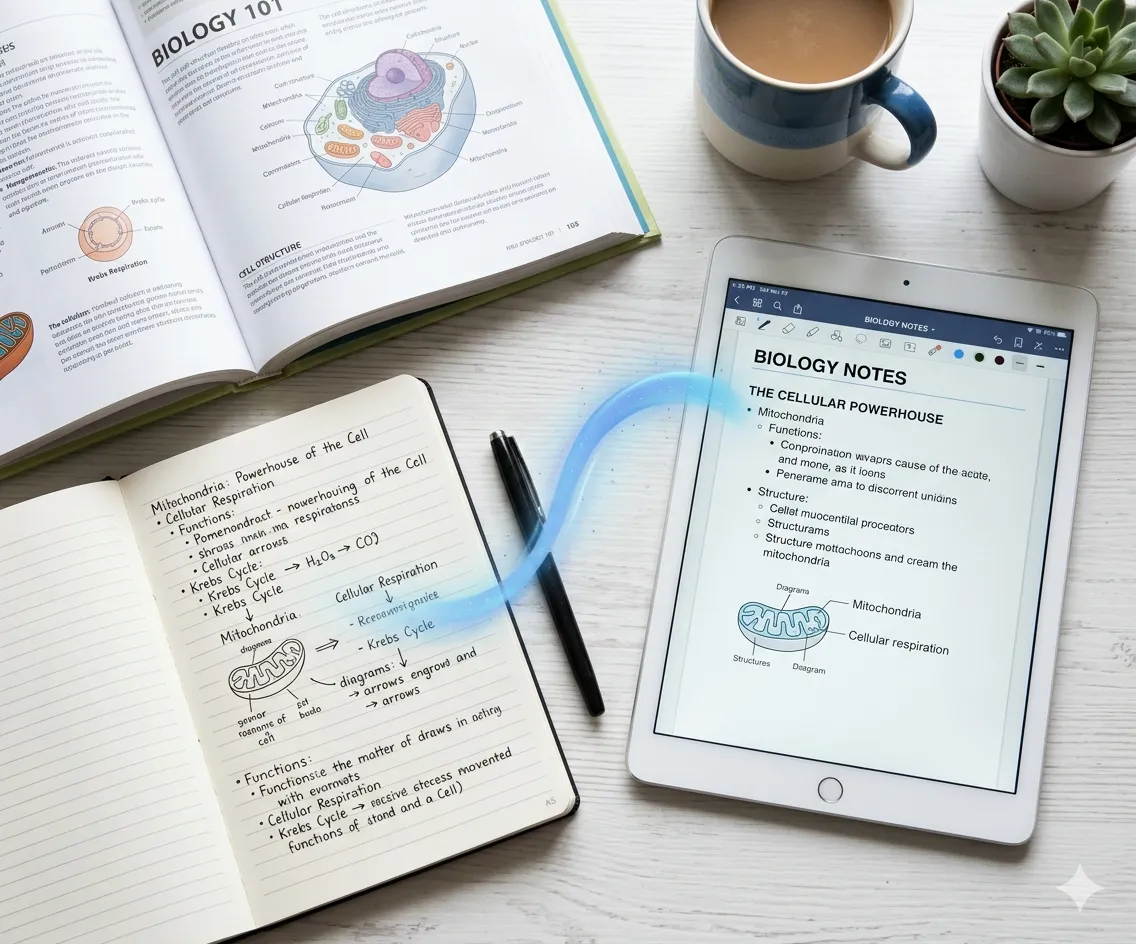
Marketers convert webinar recordings into blog posts with searchable keywords. Add SRT subtitles to boost video rankings.
시작하기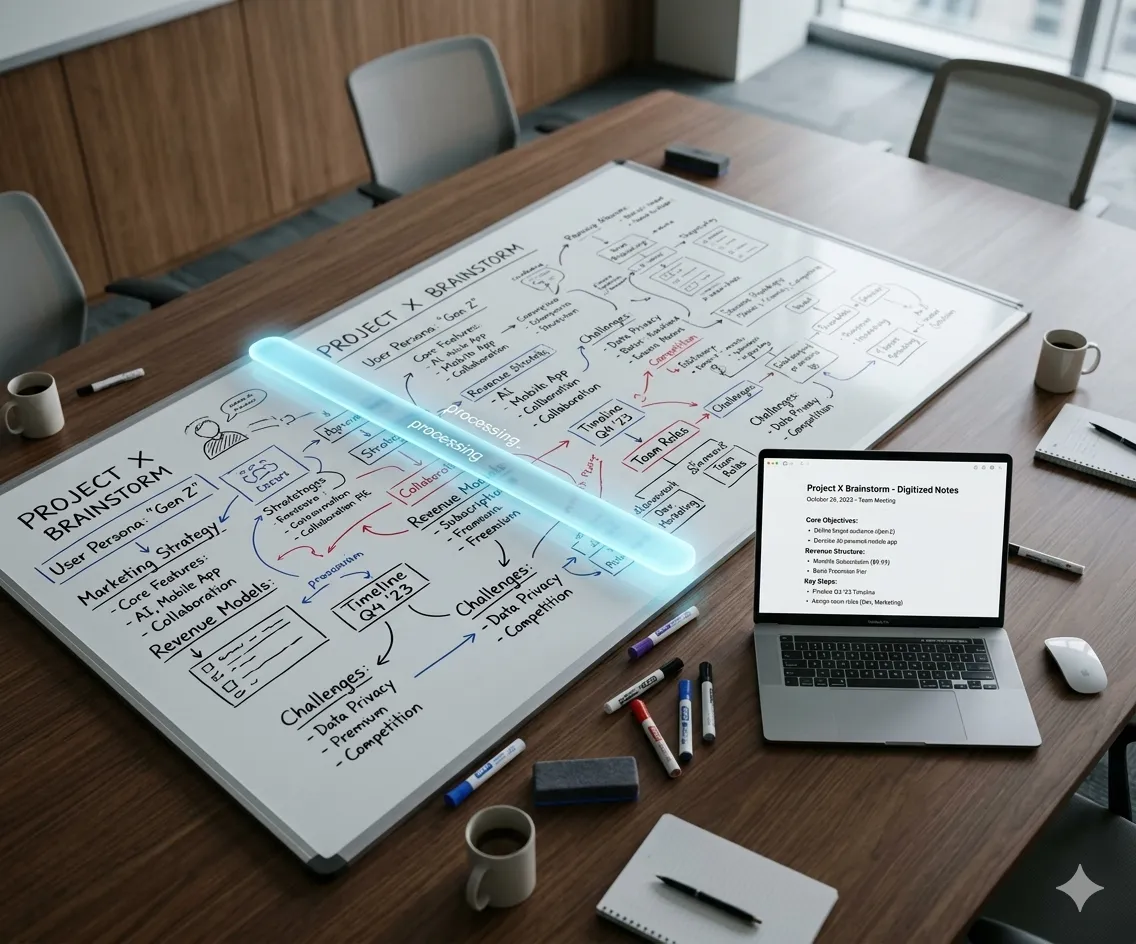
Teams auto-transcribe Zoom recordings into actionable notes. Highlight decisions and export as shareable DOCX reports.
Transcribe Now
Creators add accurate subtitles to YouTube/TikTok videos for hearing-impaired viewers. Style captions and embed directly.
Add SubtitlesGet 3 free transcriptions daily—no credit card needed. Export subtitles or notes in minutes.
지금 시작하세요